
Choose a collection.
Start with a product type, compare the current project snapshot and open its focused research notes before continuing to MaisonLooks.
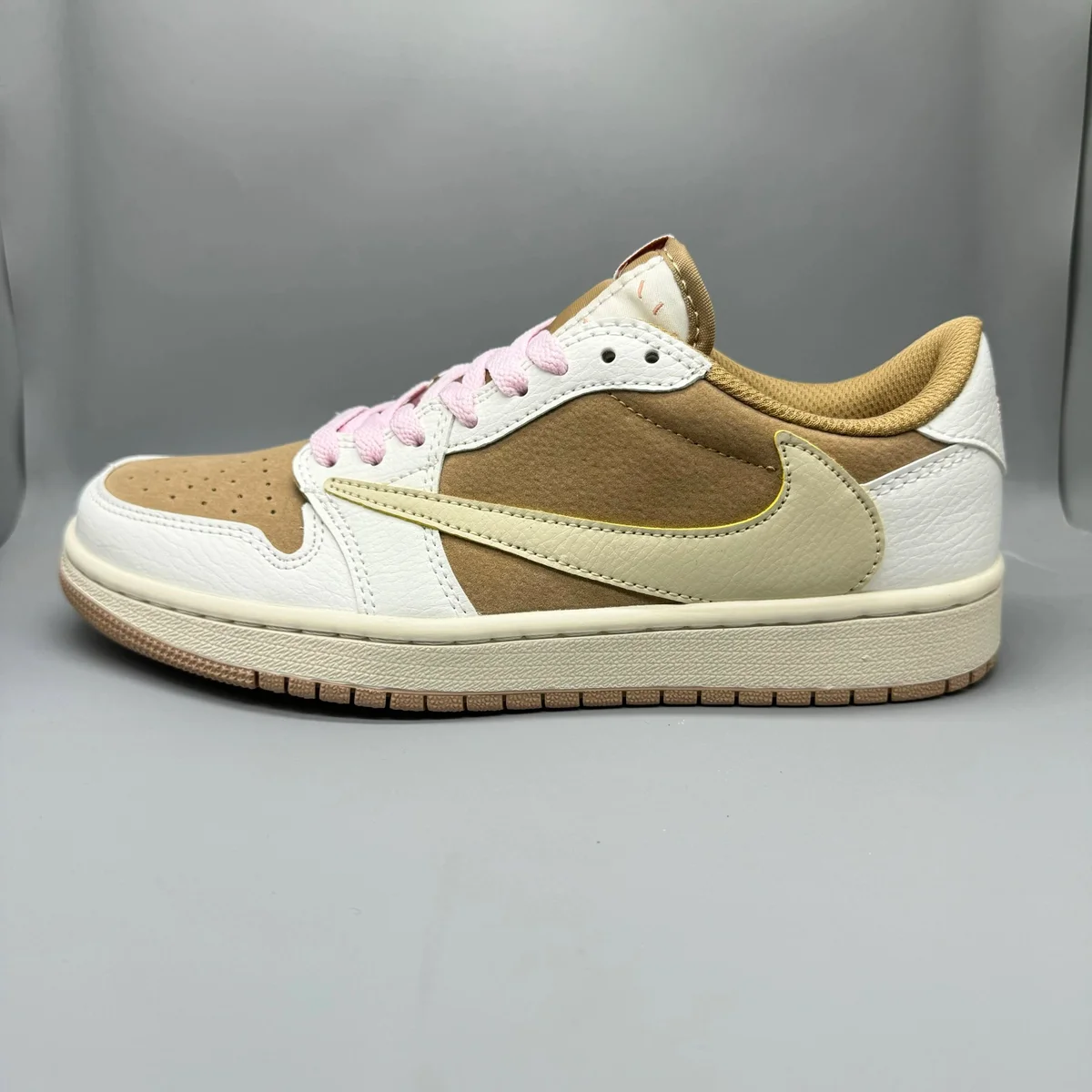 Sneakers32 curated finds↗
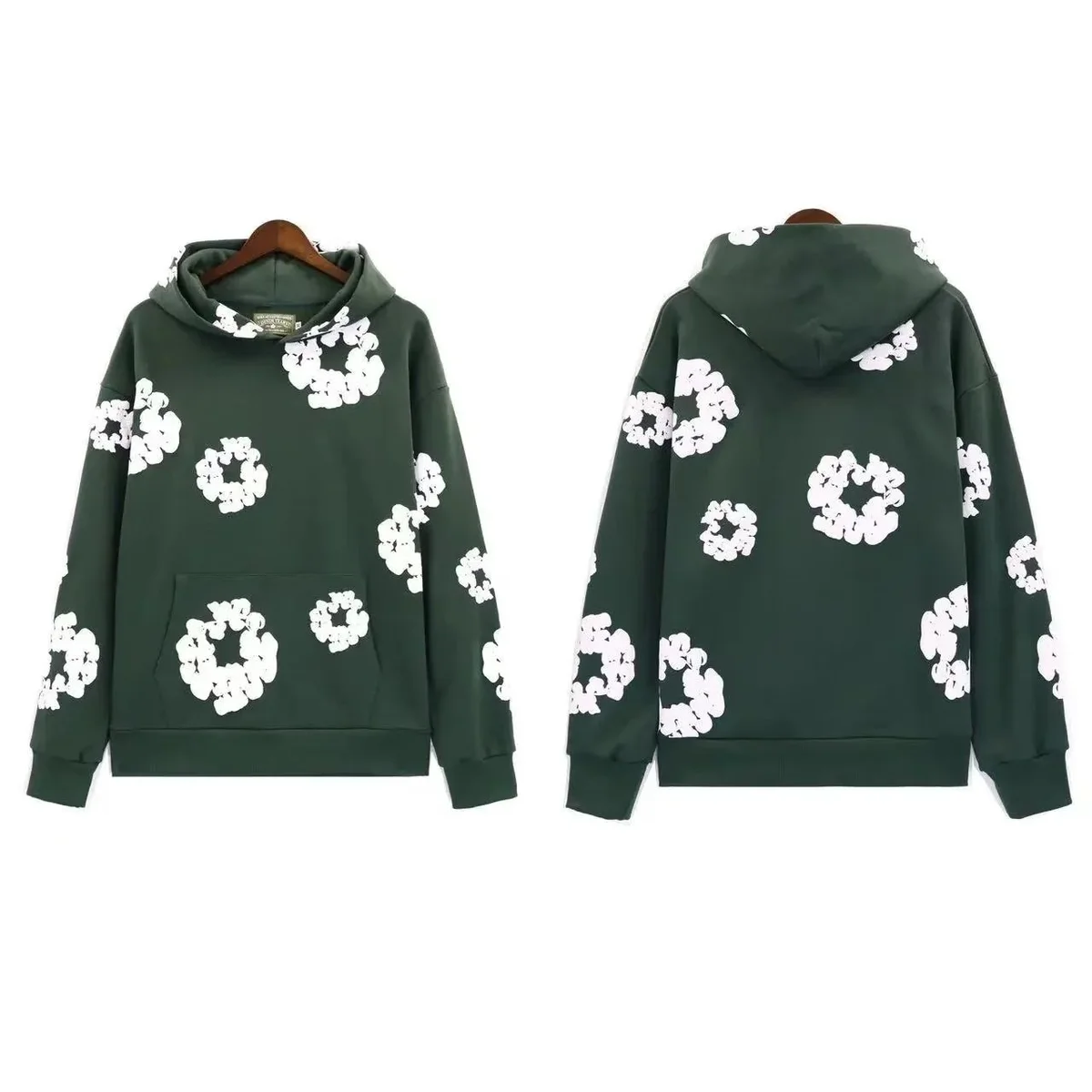 Hoodies32 curated finds↗
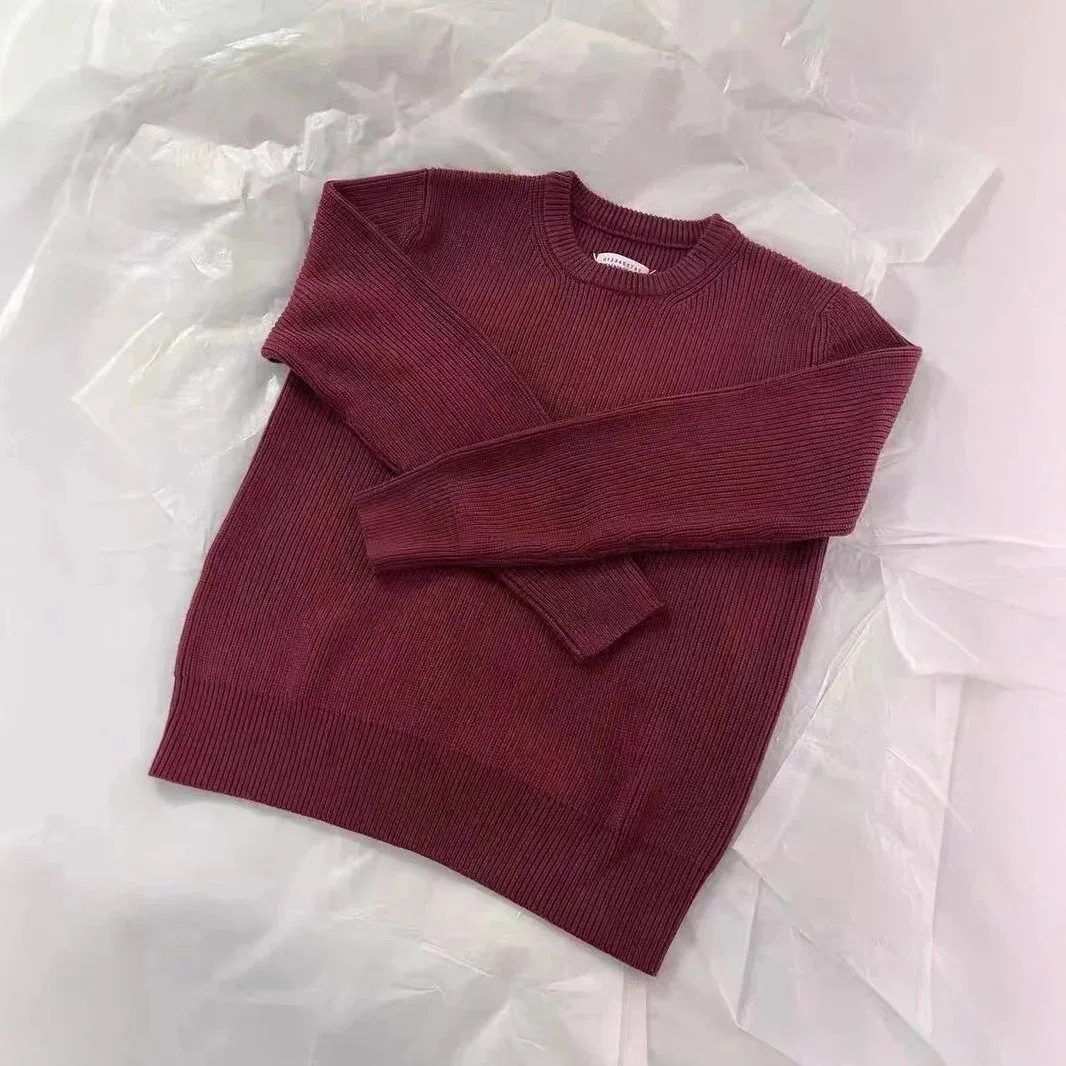 Knit sweaters32 curated finds↗
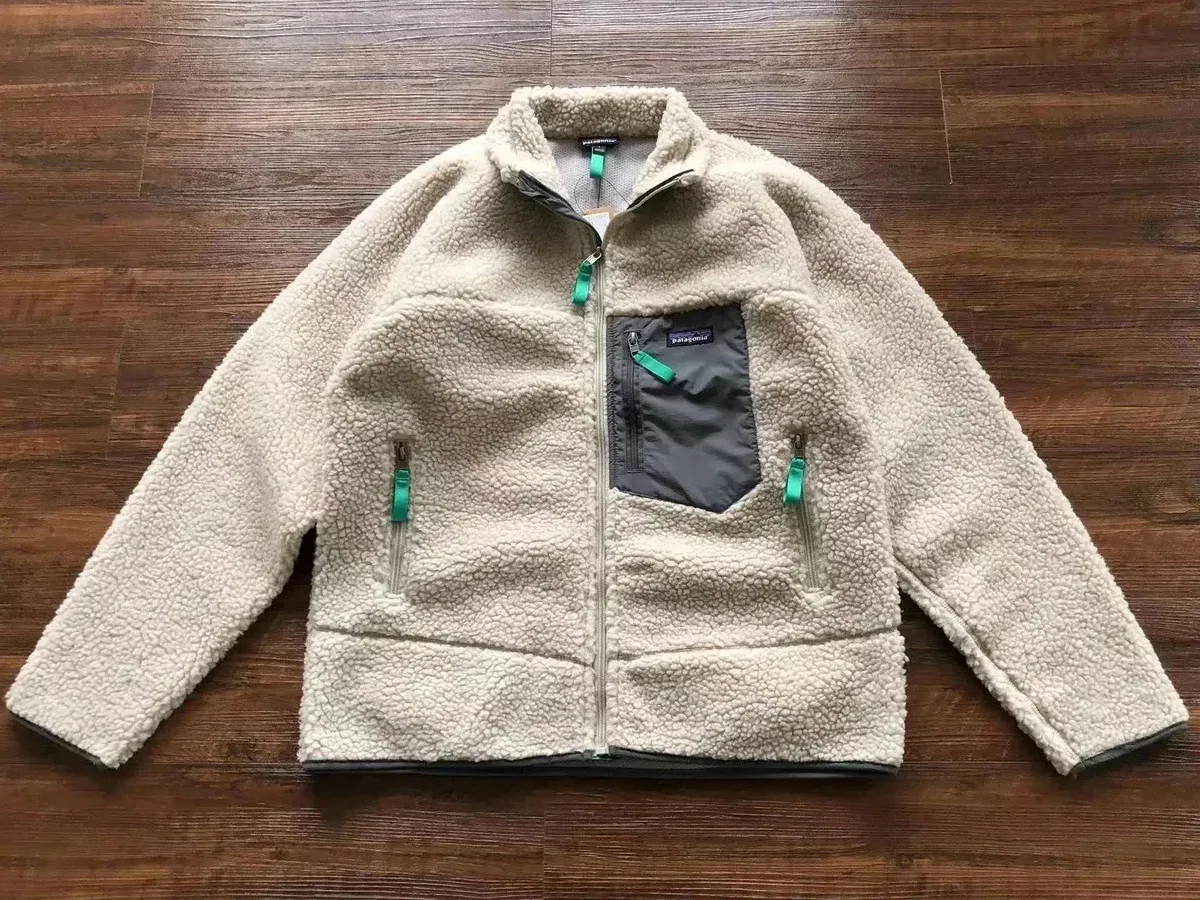 Jackets & workwear32 curated finds↗
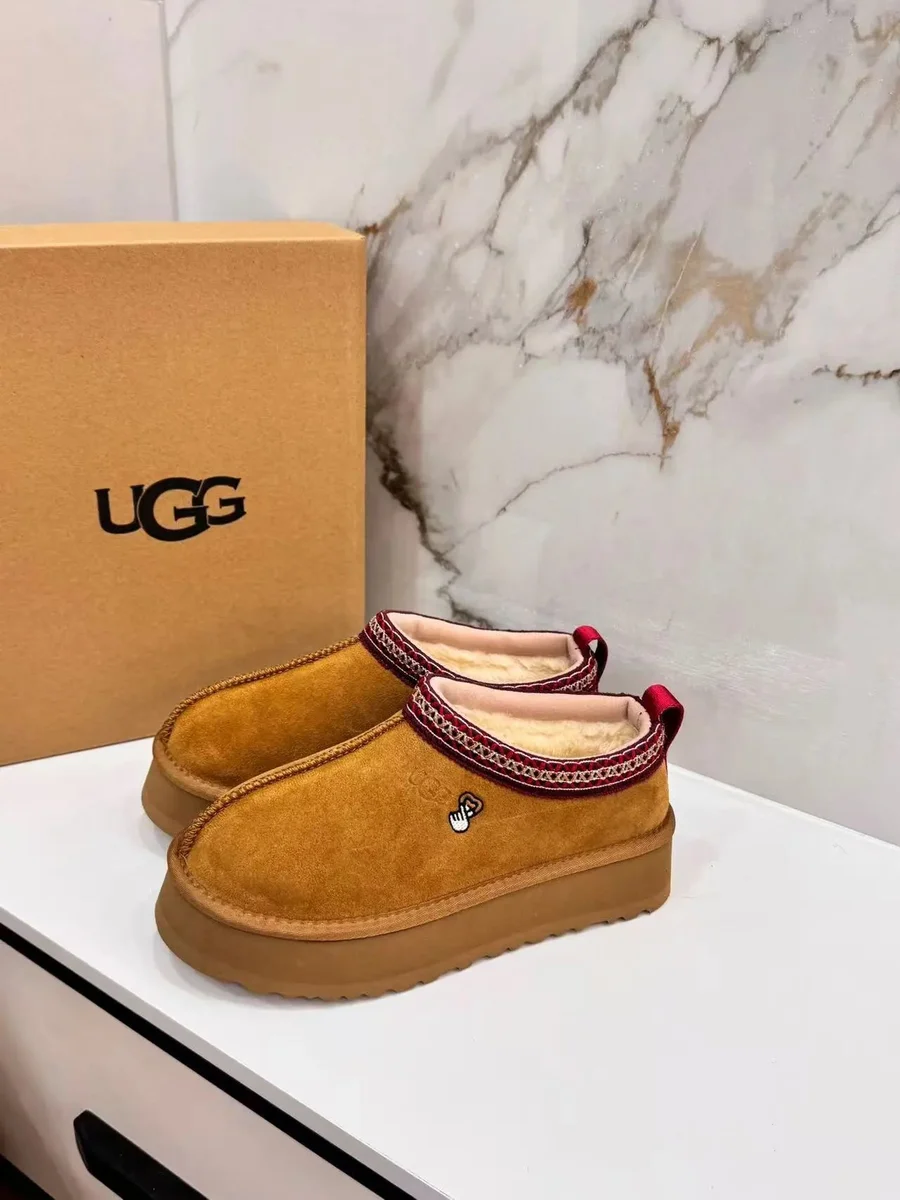 Winter boots32 curated finds↗
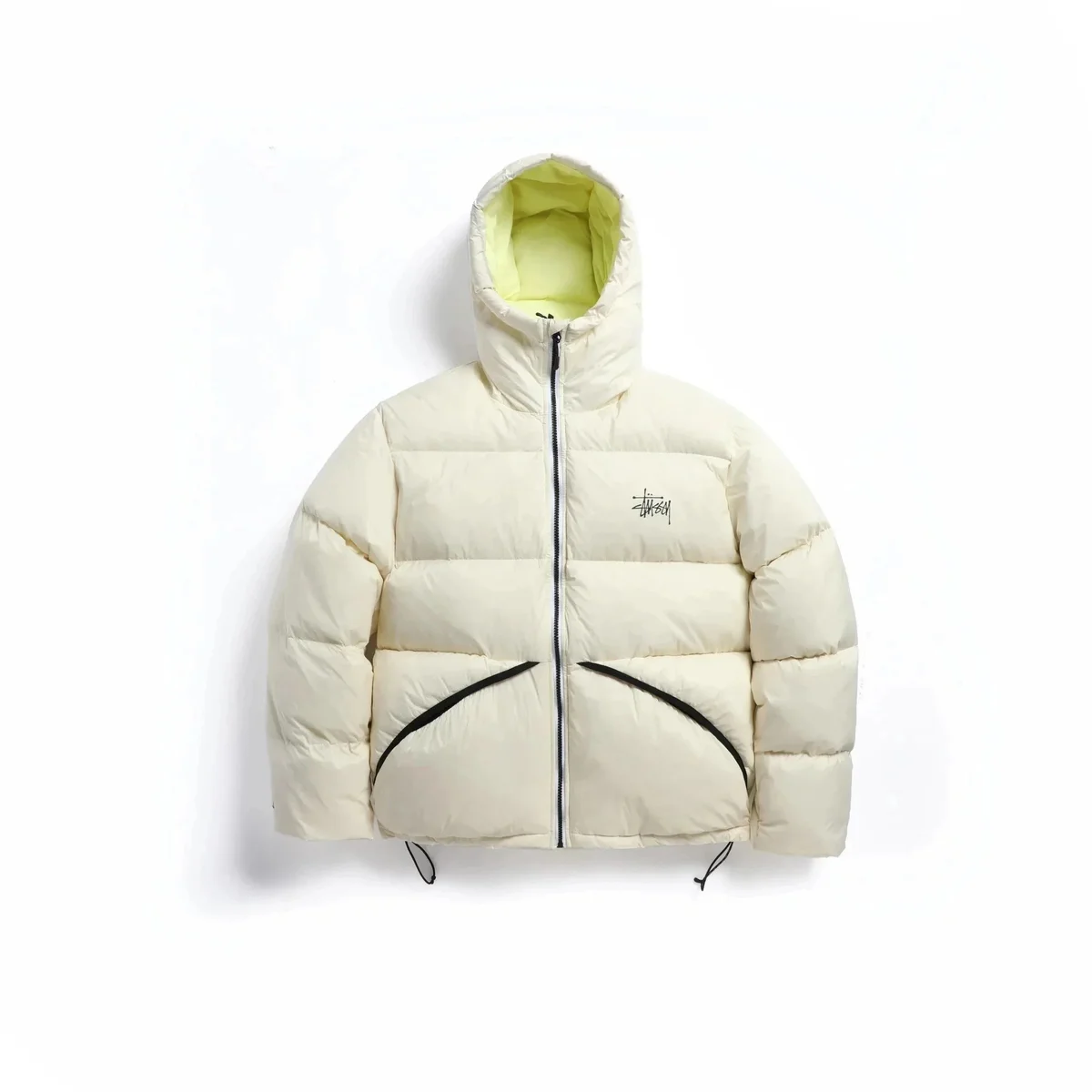 Puffer jackets32 curated finds↗
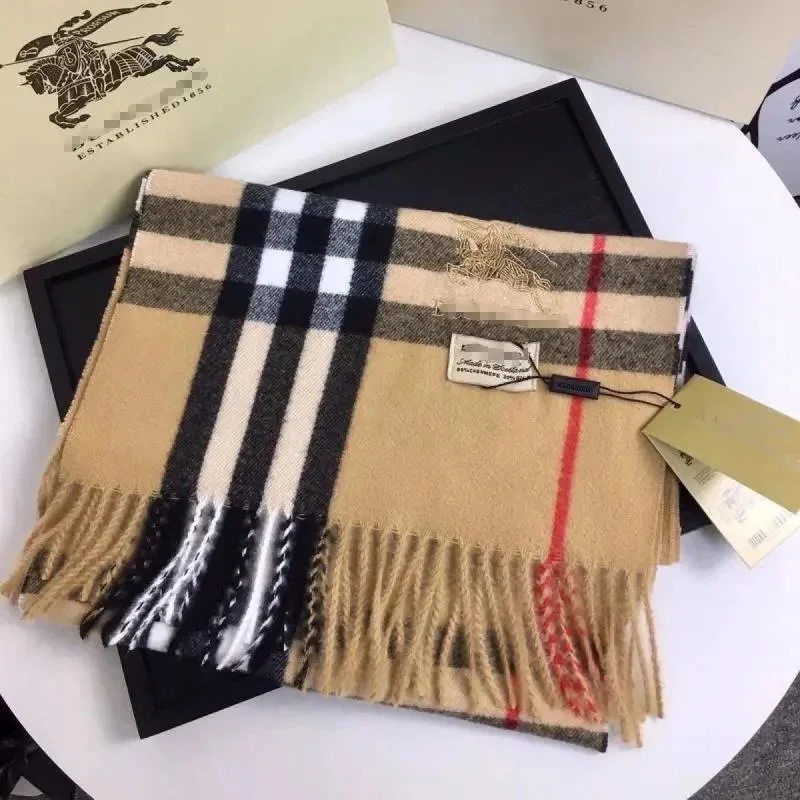 Winter accessories32 curated finds↗
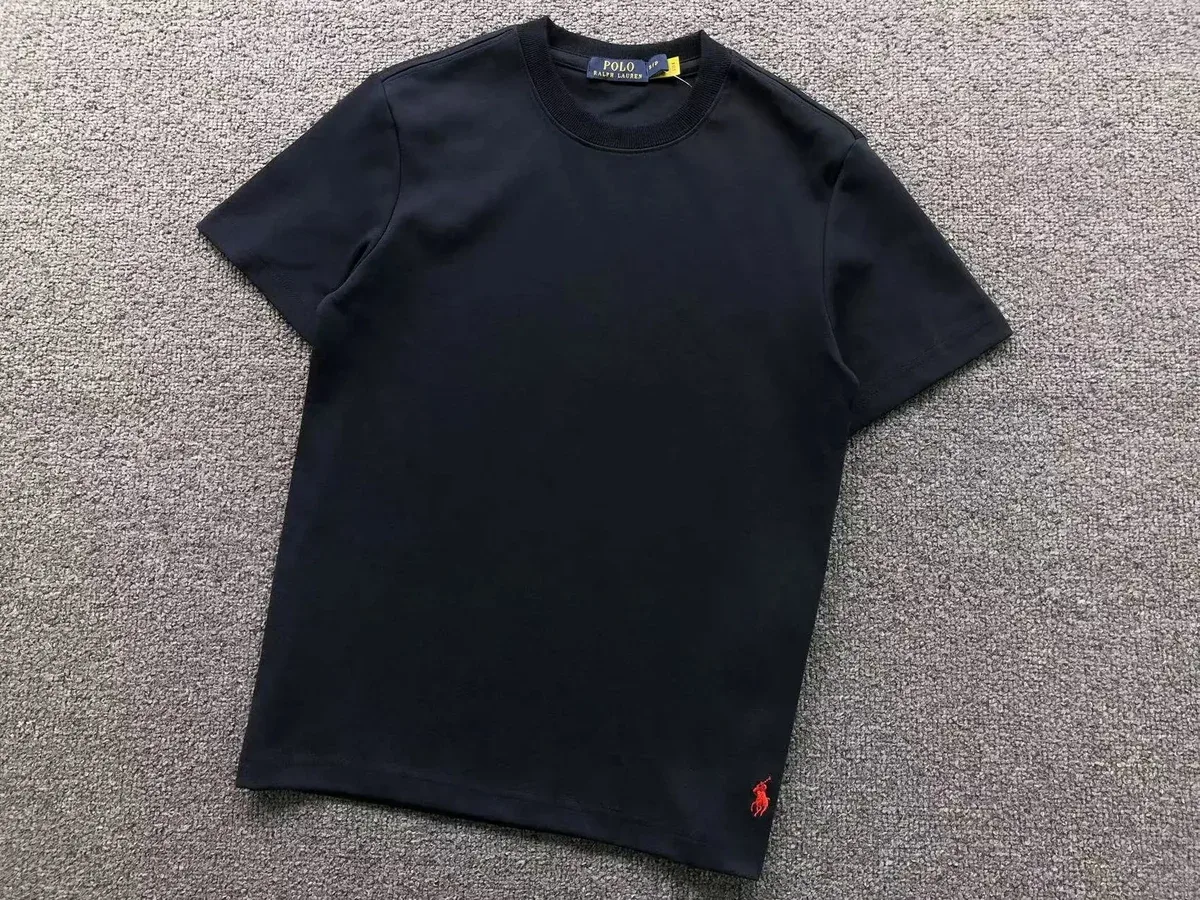 T-Shirts32 curated finds↗
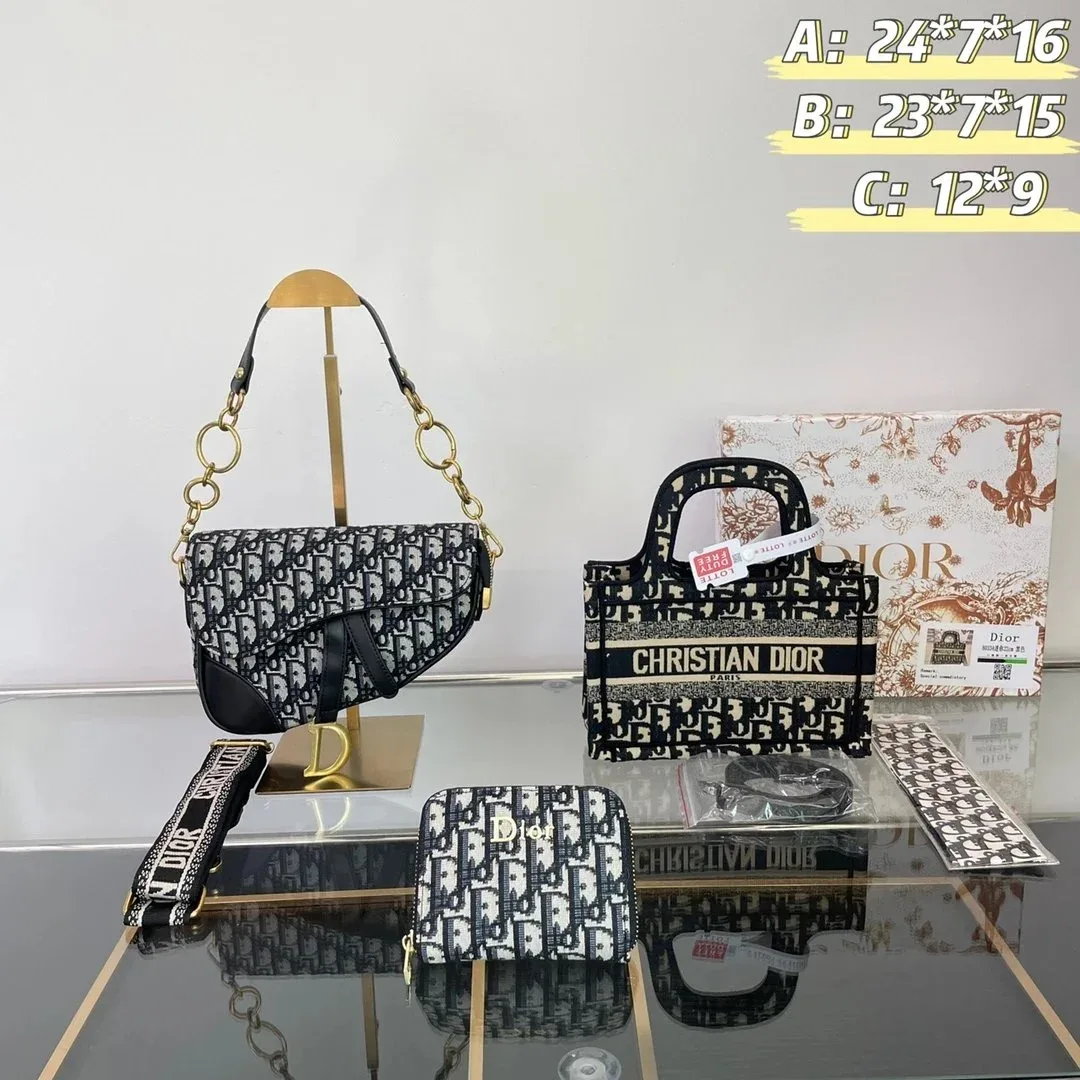 Bags32 curated finds↗
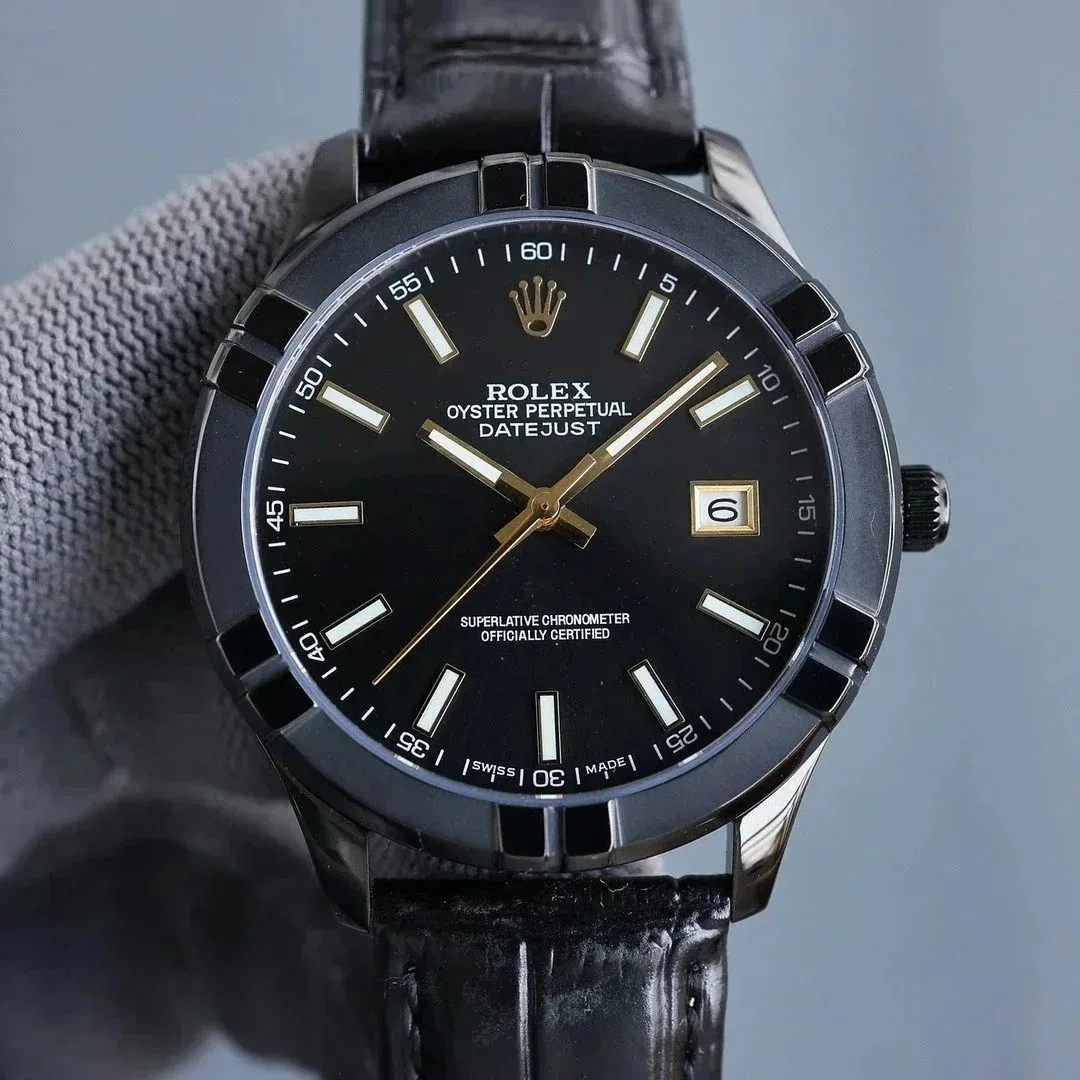 AccessoriesOpen spreadsheet filter↗
Counts describe records curated for each focused page—not total iTaoBuy inventory. Filter-only collections open the current spreadsheet.
The category changes the question.
A useful category page does more than repeat a grid. It tells you which evidence can actually change the decision.
What this directory represents.
How are iTaoBuy Spreadsheet categories organized?
Categories group the current project records by product type. Each focused page adds the measurements, visible details and QC questions most relevant to that product type.
Do category counts represent all products on iTaoBuy?
No. Counts on this site describe the records included in the current project snapshot only. They are not iTaoBuy inventory totals.
Why do some categories open the spreadsheet filter?
Developed categories have dedicated pages when each supports distinct comparison and QC guidance. Narrower product types stay in the main spreadsheet filter until there is enough useful material to justify a separate landing page.
Which category should I start with?
Start with the product type you can compare consistently. Use measurements for clothing and footwear, construction views for accessories and category-specific QC angles before opening the current destination result.